How it works
This is the product. Not a mock-up of it.
Every screen and film on this page was recorded from the real app, in a phone browser, on a demo school with made-up learners. Nothing is staged in a design tool.
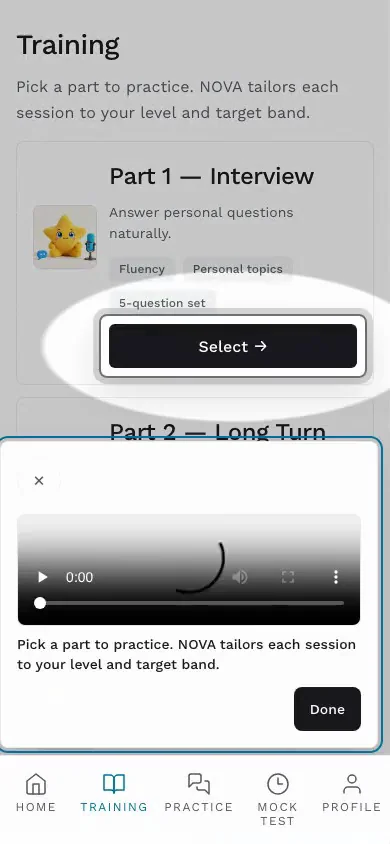
1 · Practise
Pick a part. Speak under the real timing.
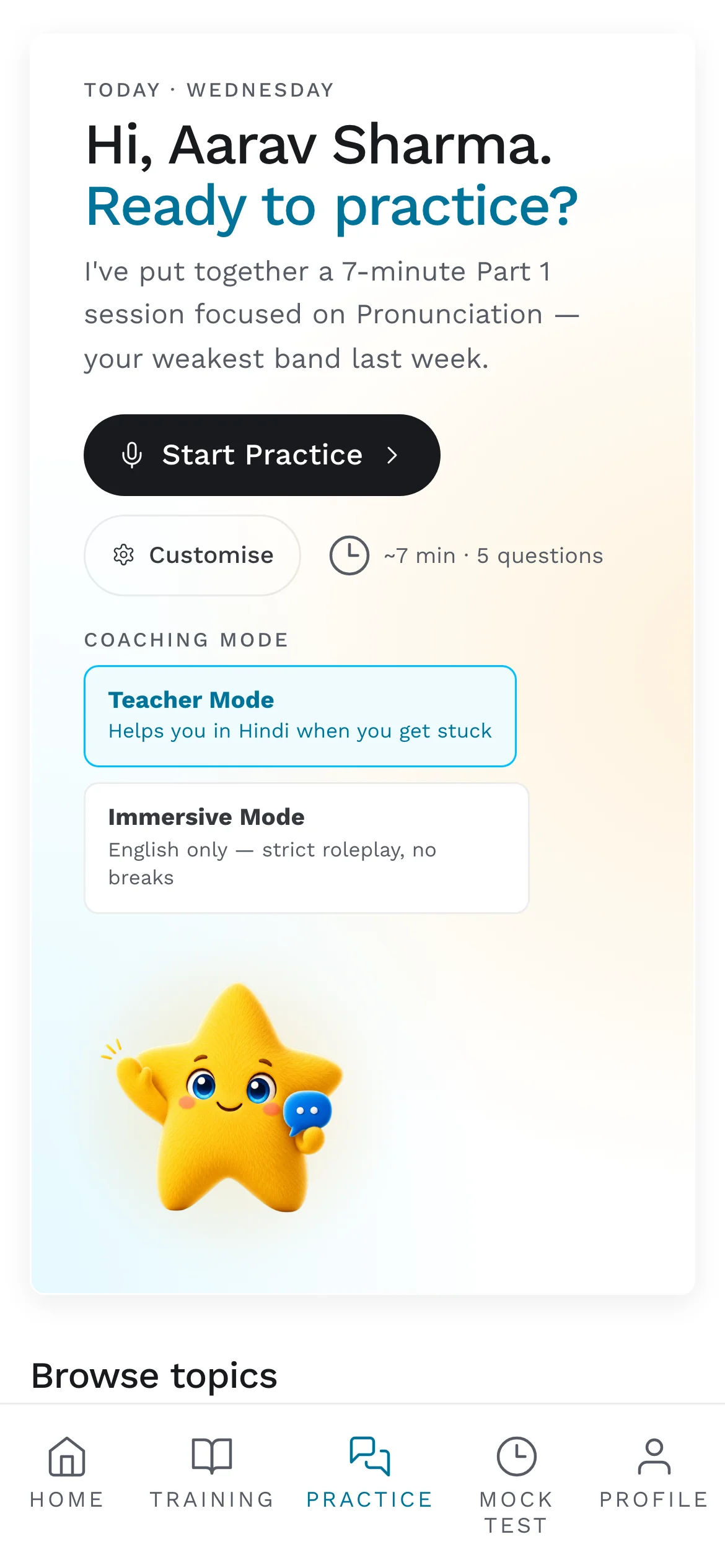
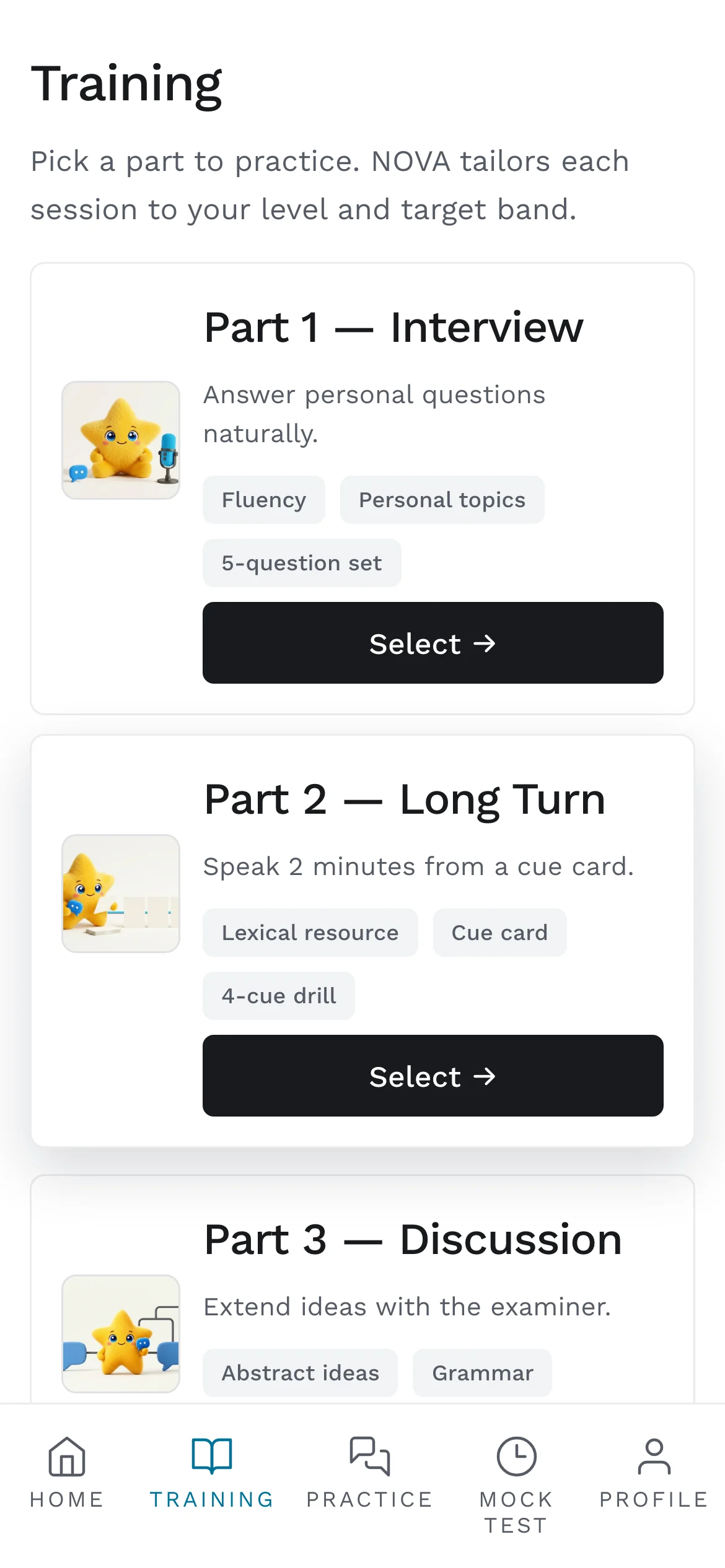
NOVA plans the session from your last one. Practice scenarios run two or five minutes on Part 1, 2 or 3 questions. Part 2 gives you one minute to prepare and up to two minutes to speak, like the exam.
- Teacher mode lets NOVA step into your language when you get stuck, then back to English.
- Immersive mode is English only, no breaks.
- Everything you say is transcribed, so you can read back what was heard.
2 · Read the report
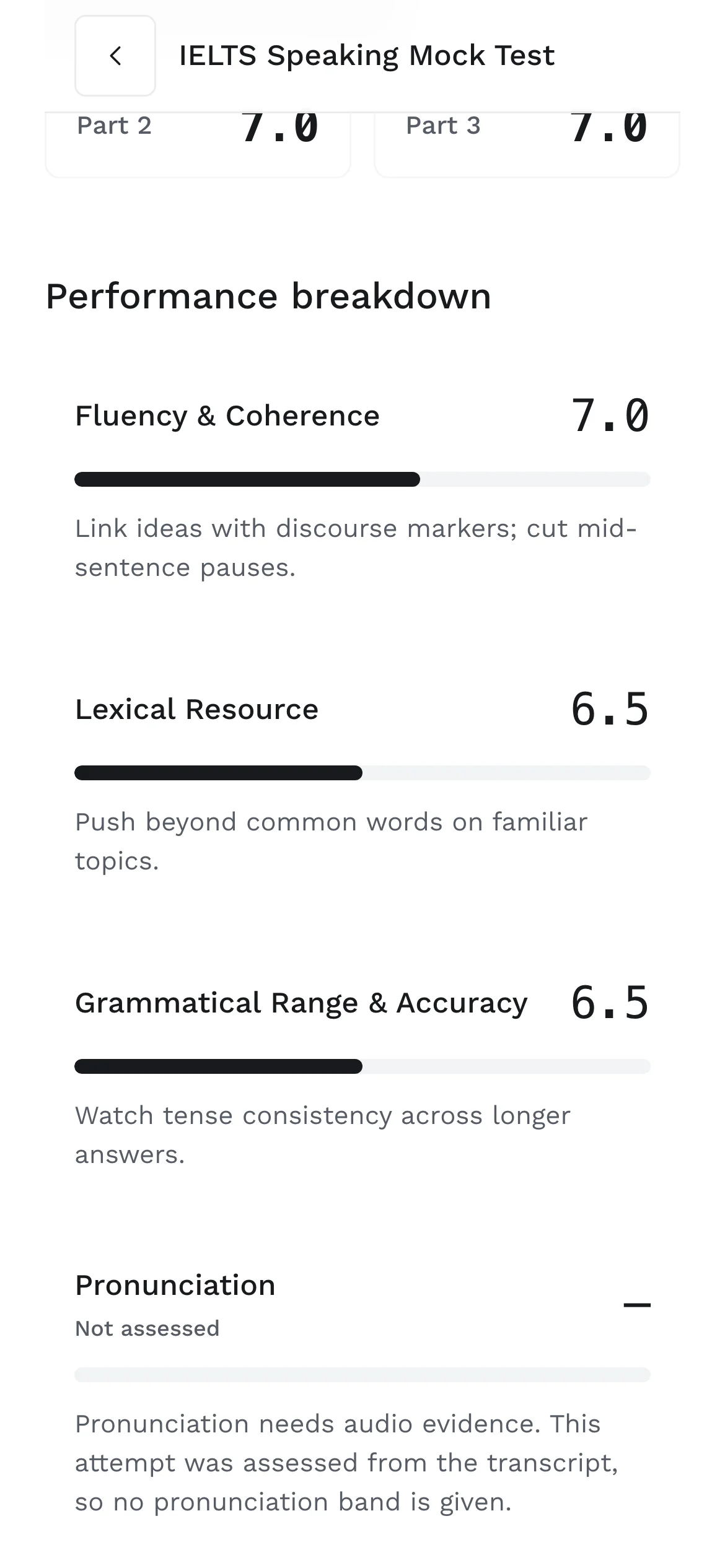
A band with its label, and the reasons under it.
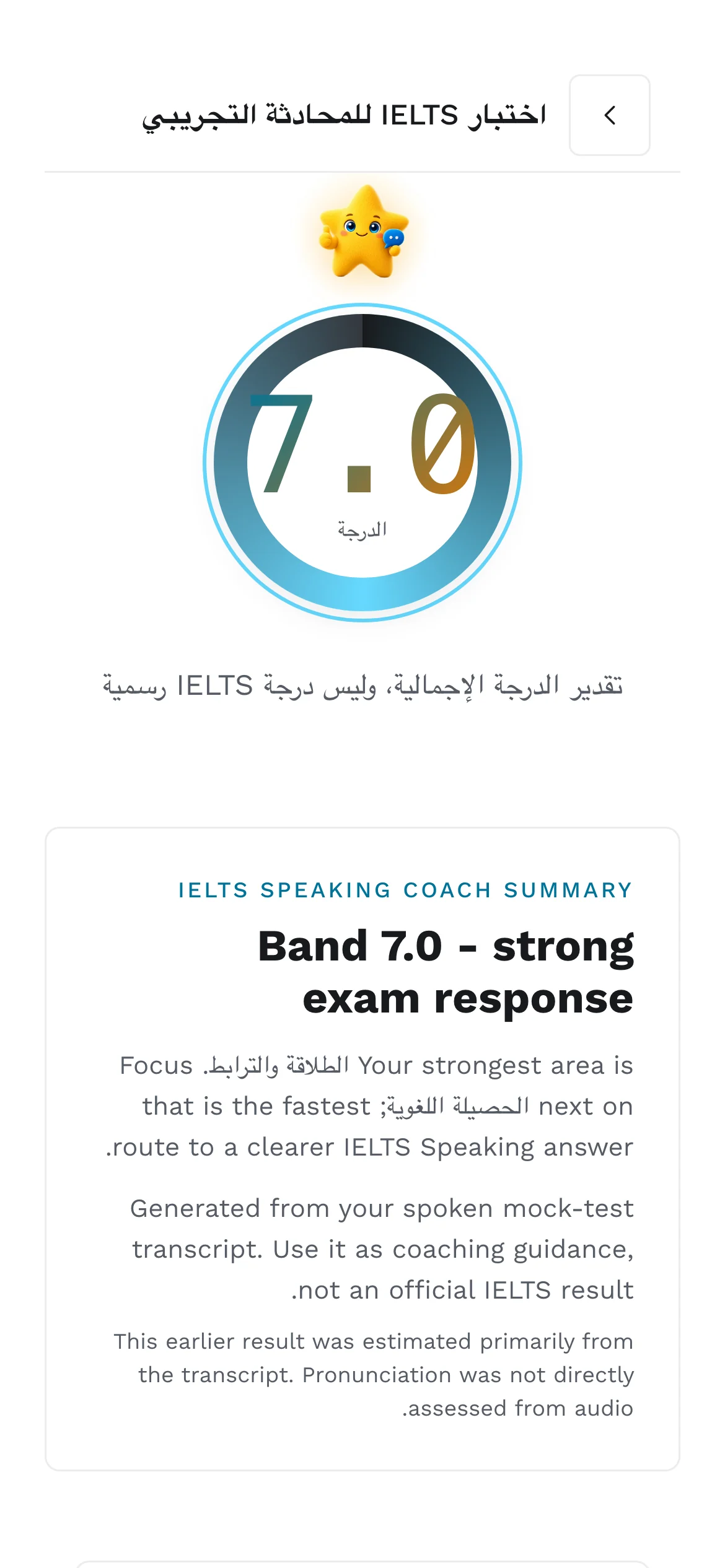
The overall band sits under a line that says what it is: an estimate, not an official IELTS score. Each criterion gets a band in half steps and one thing to fix, tied to what you actually said.
When a criterion cannot be assessed, the report says so instead of guessing. Pronunciation, for example, needs audio; a transcript alone never produces a pronunciation band. The whole method is on the scoring page.
Practice estimate. Not an official IELTS result.
3 · In your language
The same report, in the language you think in.
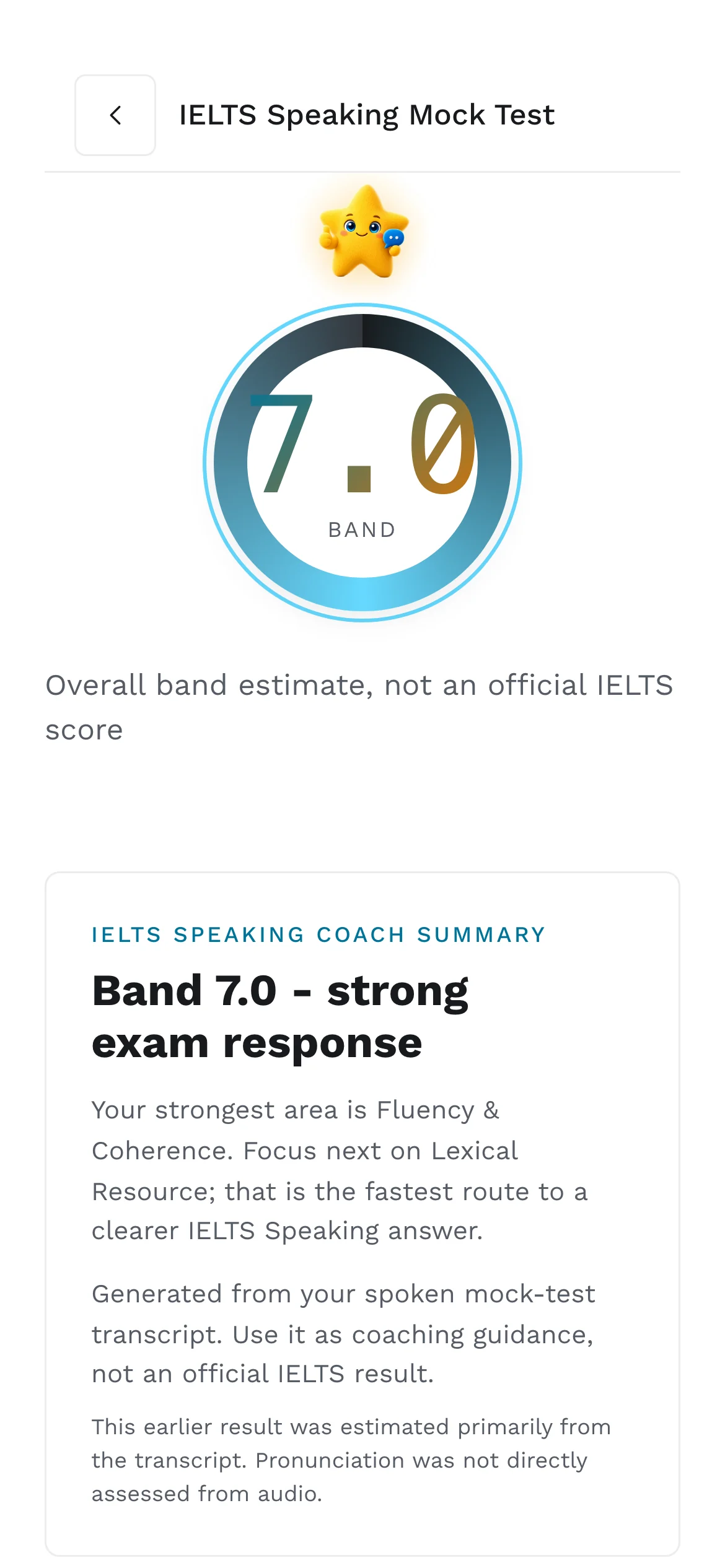
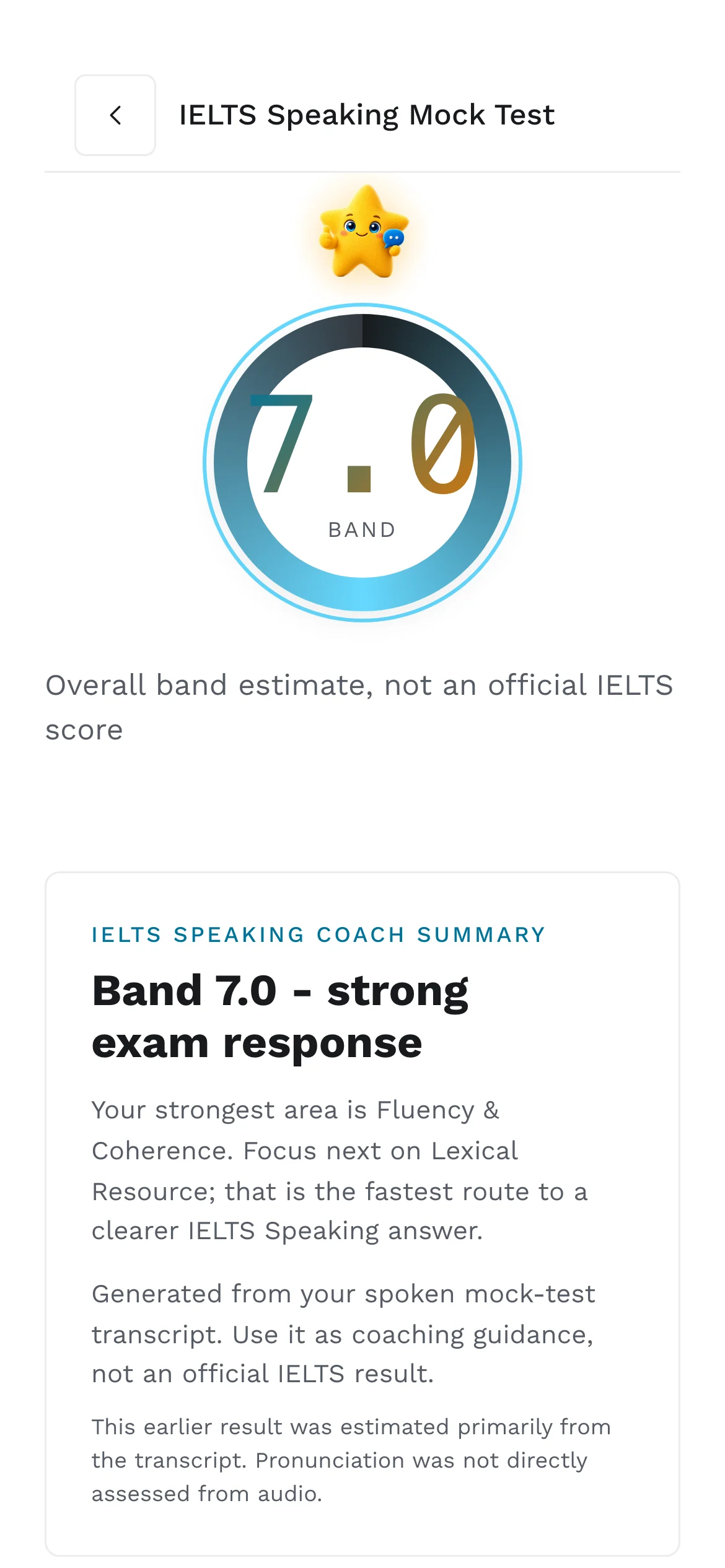
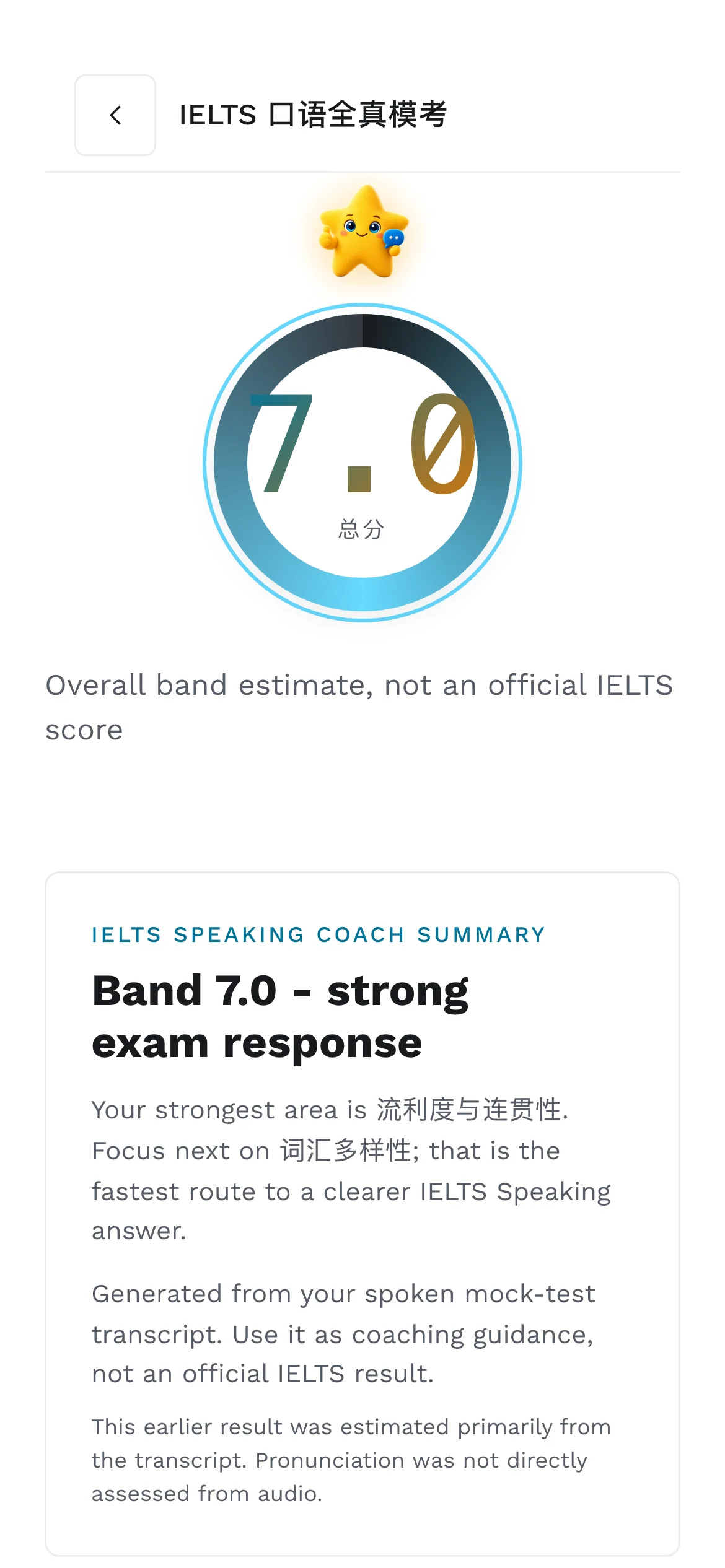
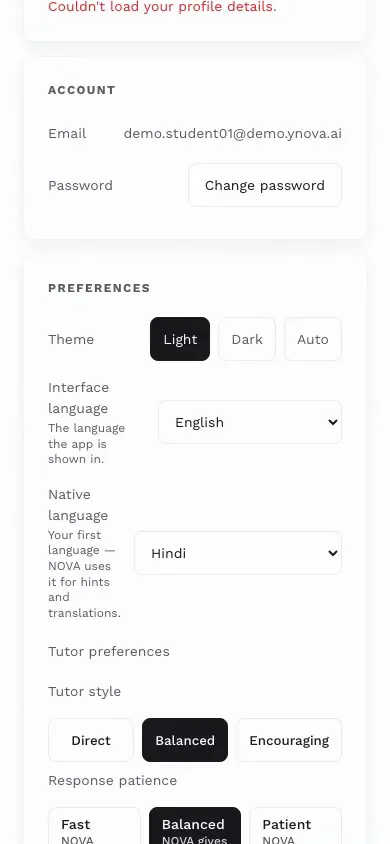
Four captures of one screen. NOVA's summary, the labels and the truth line all follow the interface language. Arabic flips the layout right to left.
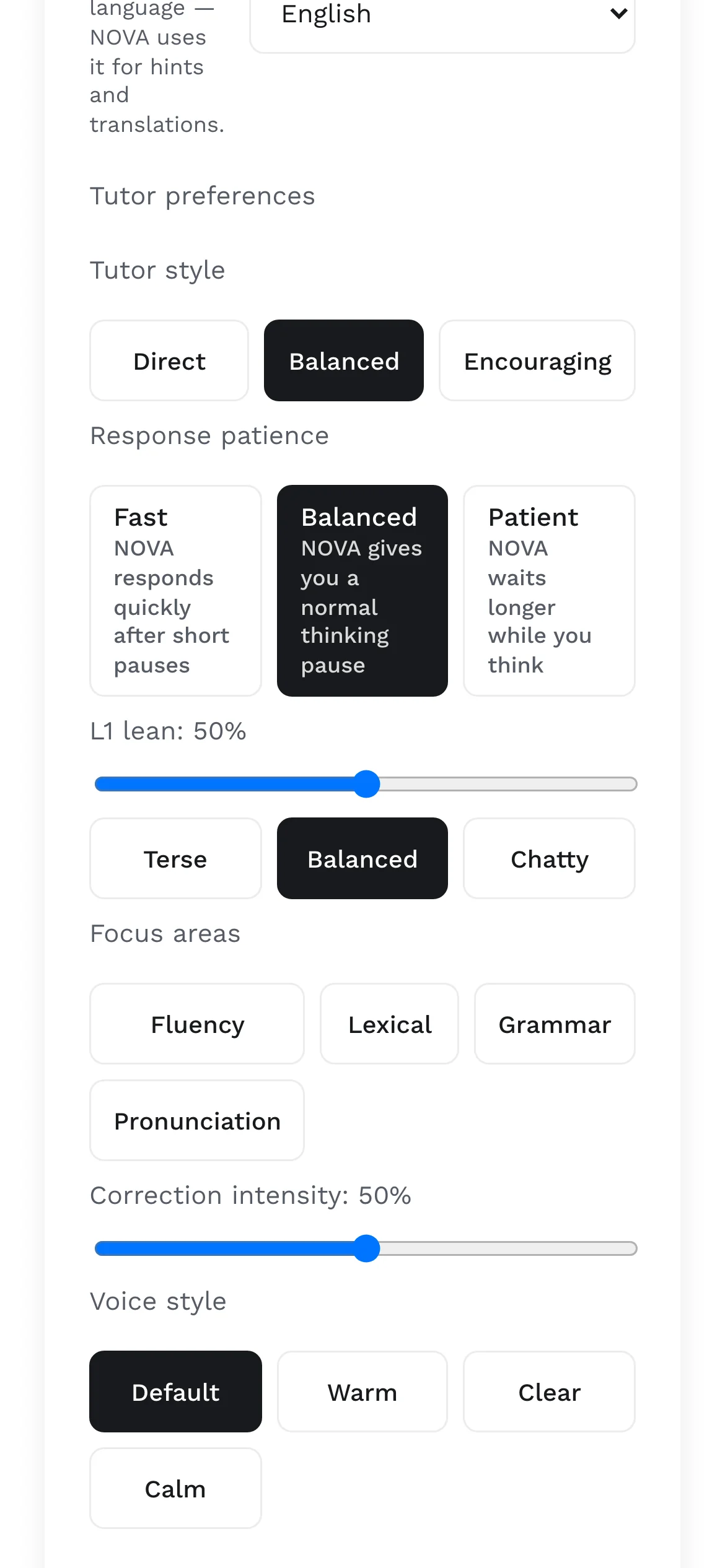
You hold the dial.
A slider sets how far NOVA leans on your first language, from minimal to heavy. Twenty interface languages, hints in 33. It does not fade by itself; it changes when you change it. That is a deliberate choice, and the study that would tell us when support should fade is on the research page.
4 · Train the weak spot
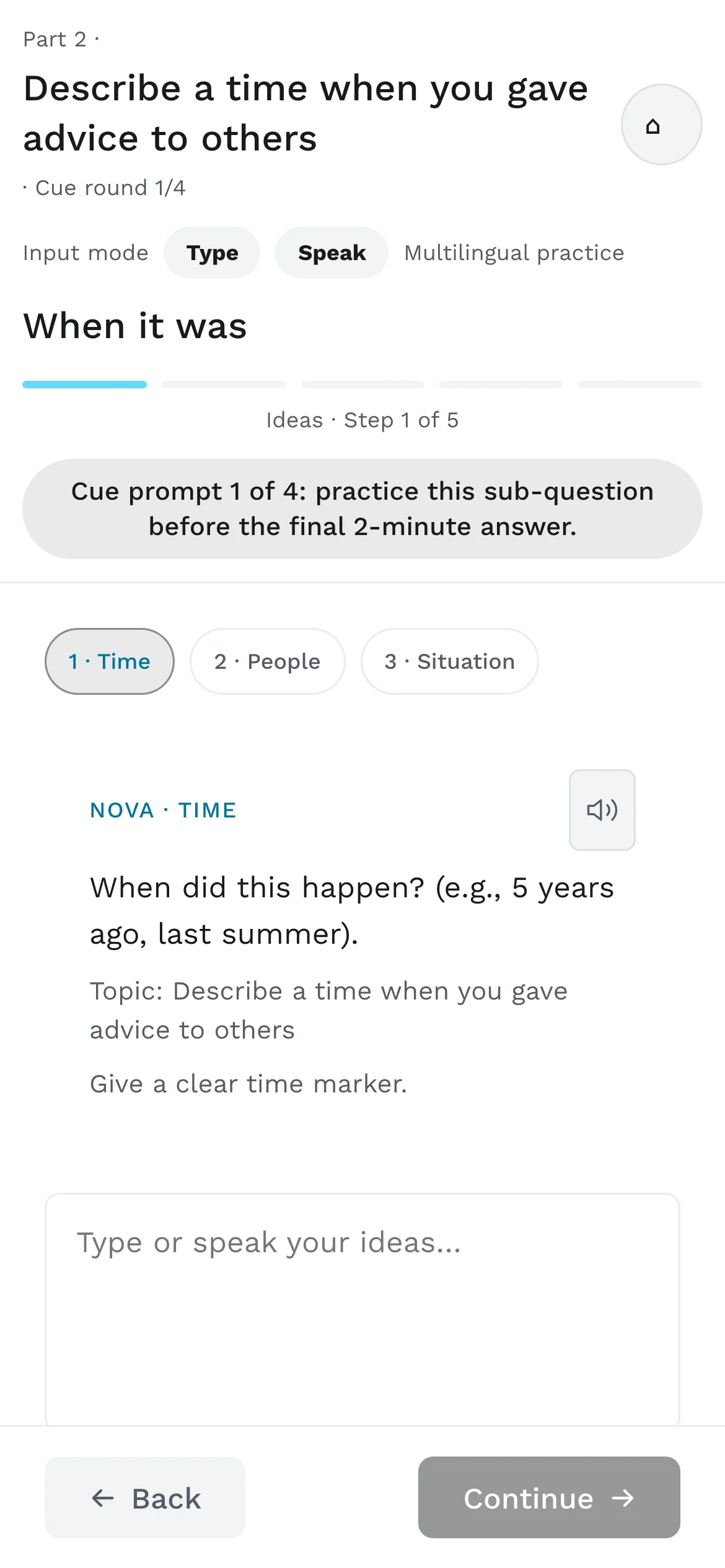
Five short stages, then a real answer.
Training is where the report turns into practice. You can think in any language until the last stage; only the final recording has to be English.
- S1
Ideas
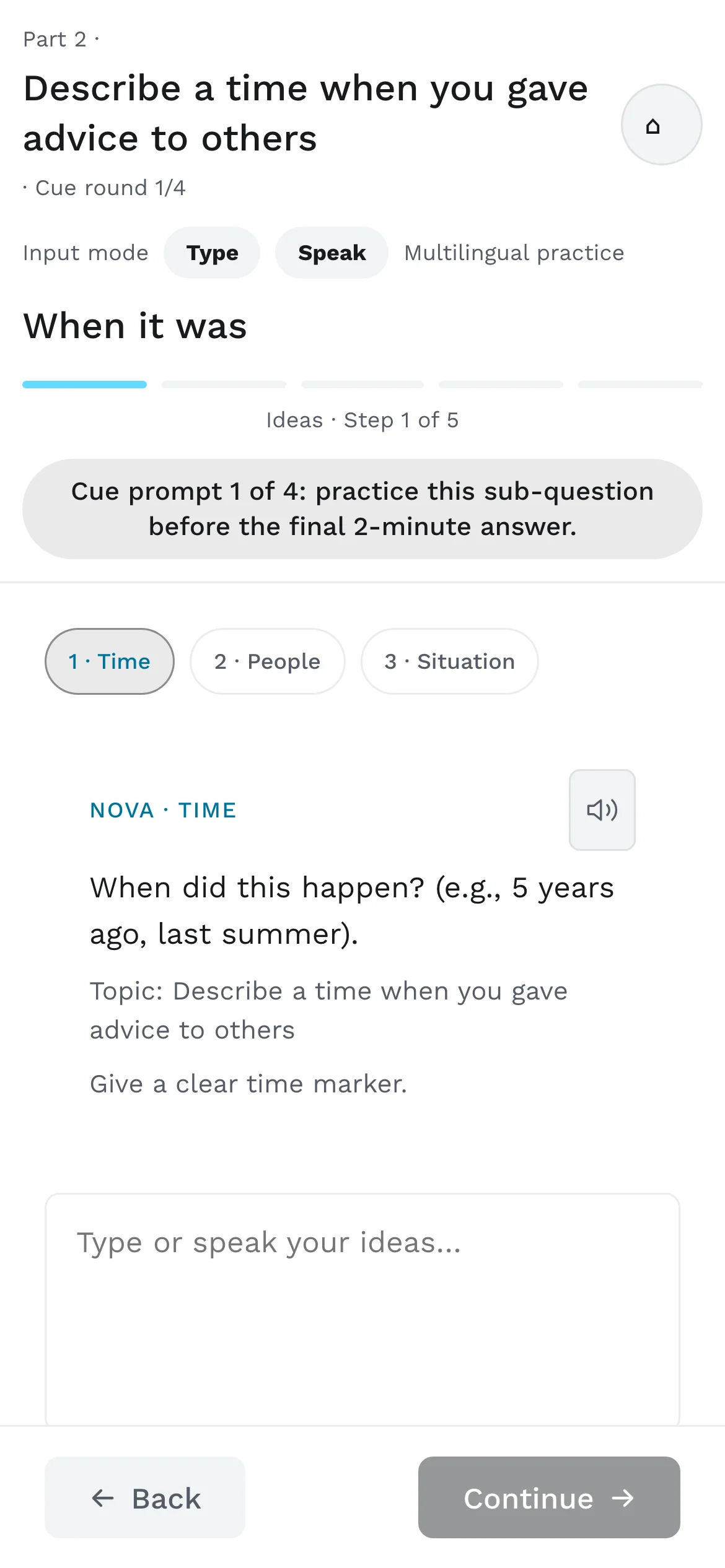
Answer, reason, example. Type or speak, in any language. NOVA turns your ideas into an English draft and may not invent your facts.
- S2
Vocabulary
Cards built from your own ideas. Listen, record, or type. Glossed in your language.
- S3
Sentences
Rebuild a model sentence from word chips, then say it.
- S4
Talk practice
Shadow it, then guided, then on your own. A sample answer can be revealed; it is built from your ideas.
- S5
Mini answer
Thirty seconds, recorded. Then a correction card. Part 2 ends with the full one-minute, two-minute round.
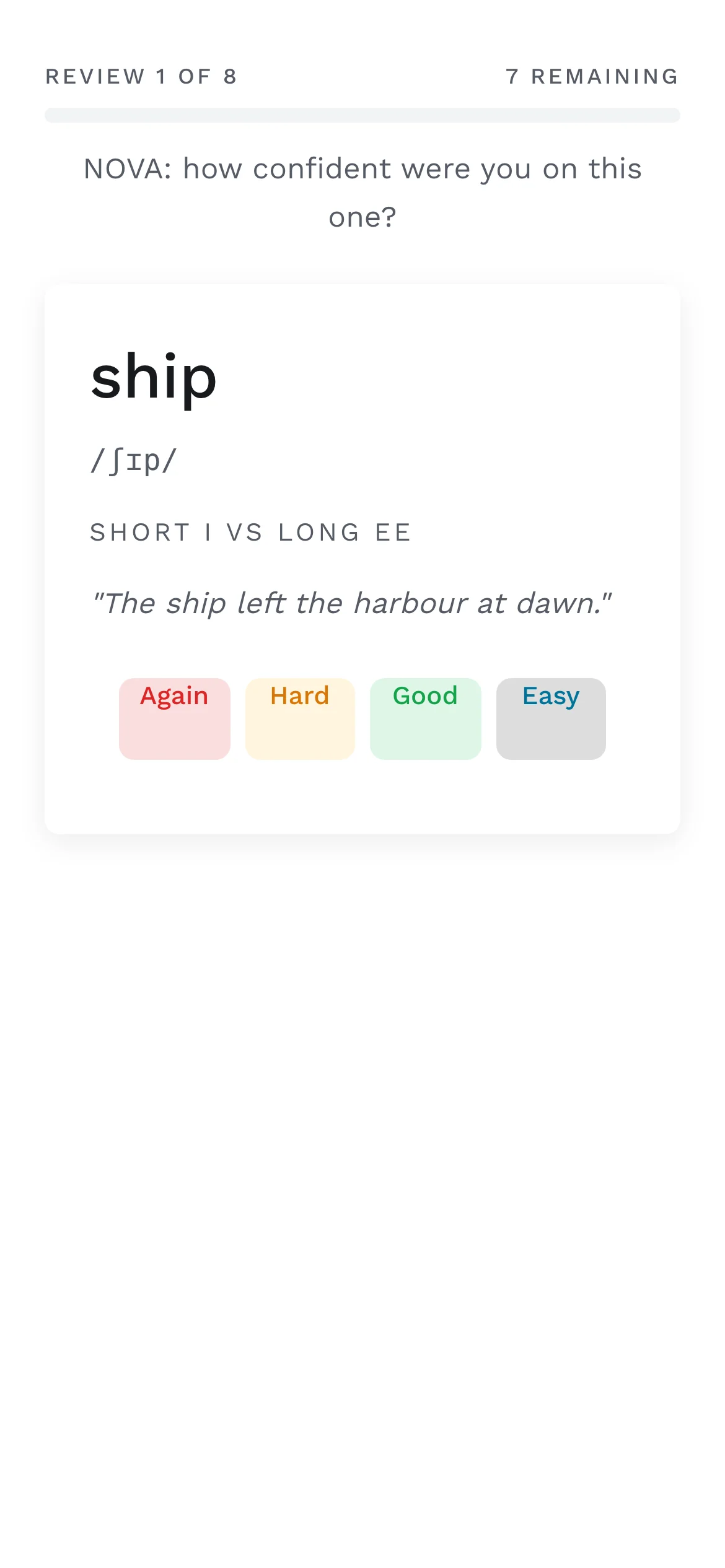
What you miss goes into spaced review, and NOVA plans the next session from this one.
5 · What a teacher sees
A queue of names with reasons, not a wall of charts.
The teacher portal opens on who needs a teacher first, with the evidence behind each case. Open a learner and the decision loop is on one screen: what changed, what the mock tests say, what to assign, what to tell them.
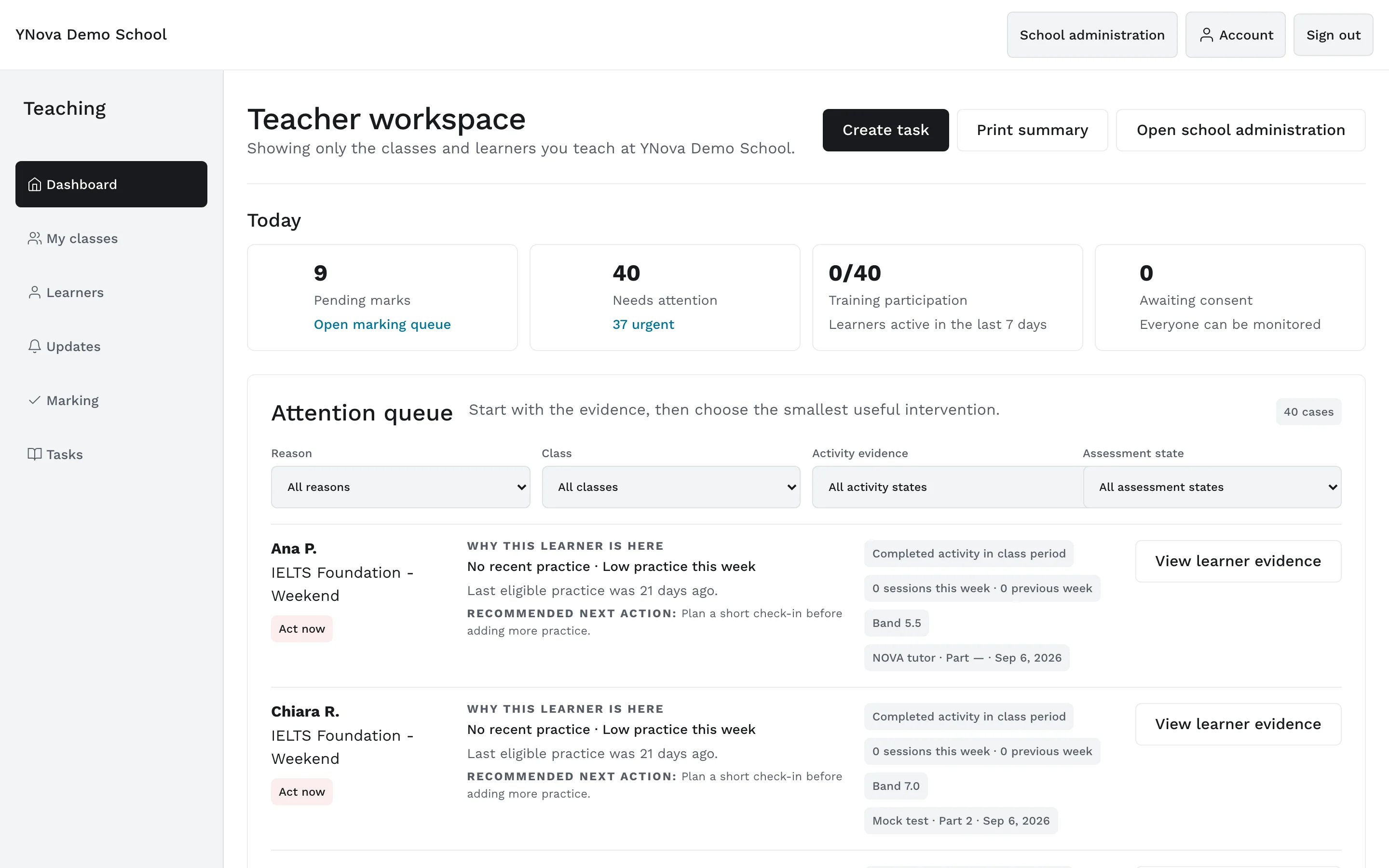
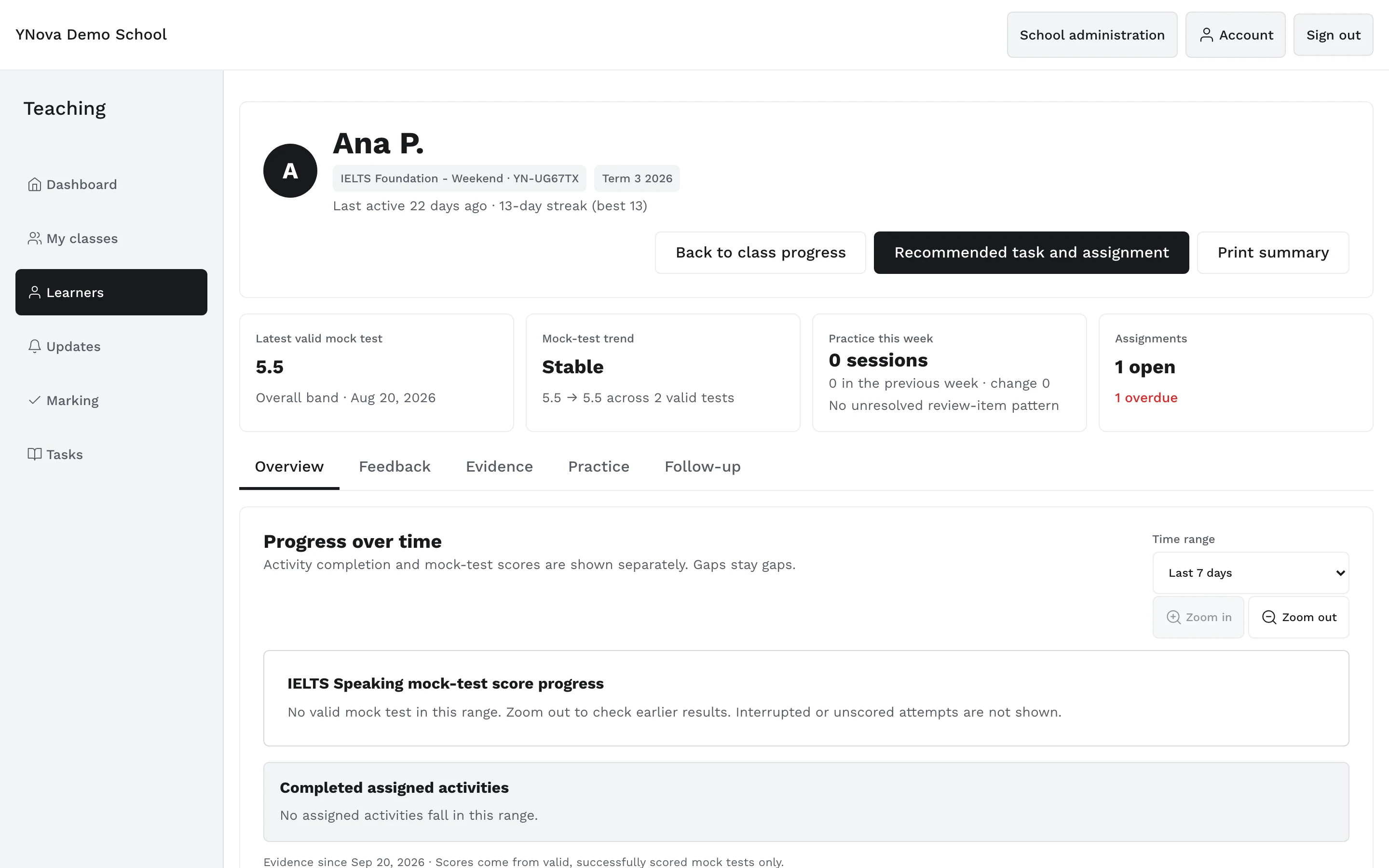
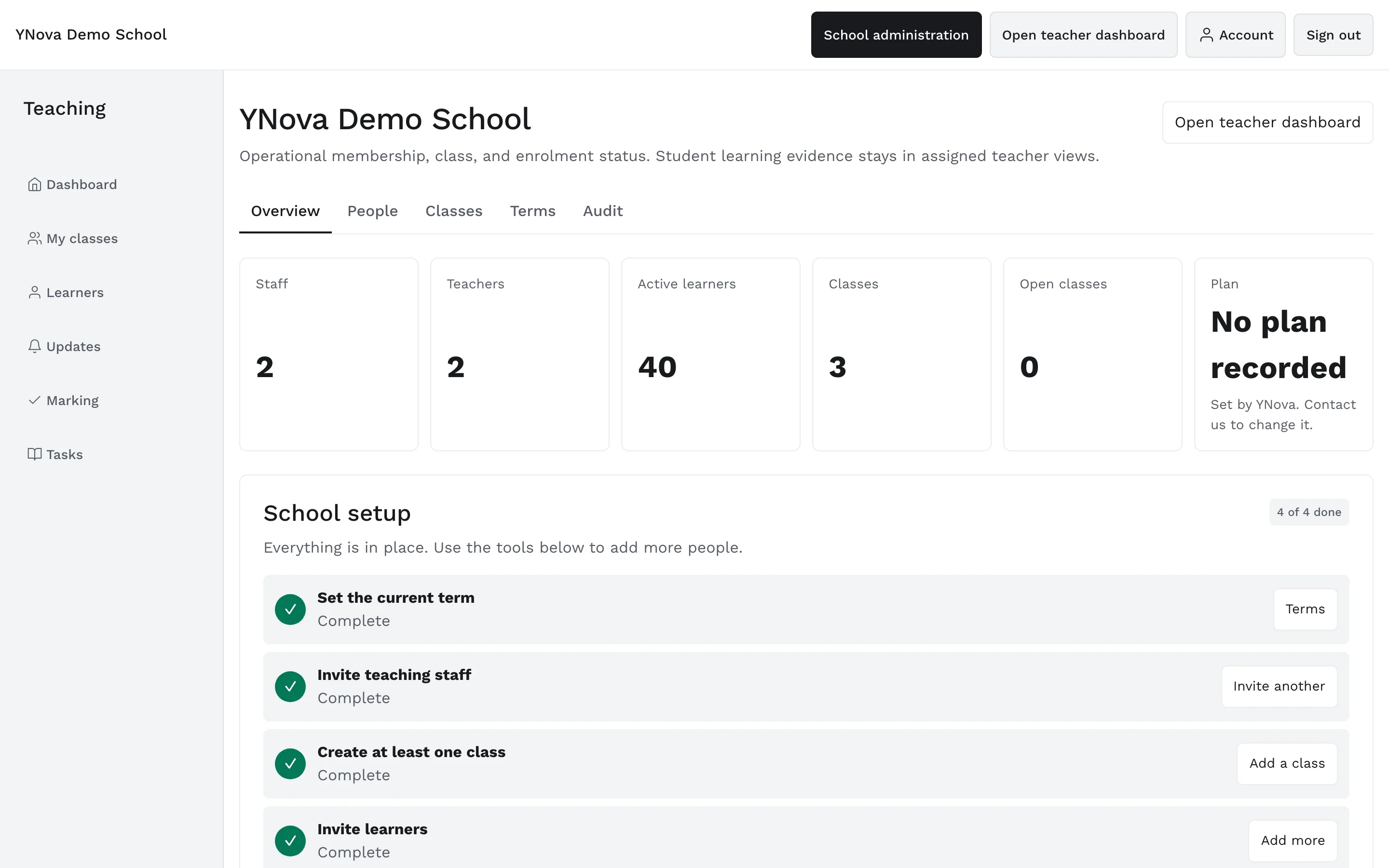
Screens from the YNova Demo School, a synthetic fixture with made-up learners. The interface is the real product.
Your first session is free. Now.
Open the app in your phone browser, pick a Part 1 topic and speak. You will have a labelled report in minutes.
Scores in the app are practice estimates, not official results.